First, create an Android Studio JNI project. By default, the project will generate a C++ file that calls a native function from the Java side to display a string.
The function generated on the Cpp side uses static binding, so the function name is extremely long and not very pleasant to look at. Let’s change it to dynamic binding first. Start by renaming that verbose function.
JNIEXPORT jstring JNICALL StringFromJNI(JNIEnv *env, jclass clazz)
{
    std::string hello { "Hello World From JNI" };
    return env->NewStringUTF(hello.c_str());
}
Next, implement dynamic binding. Add a function called JniOnLoad to the Cpp file, and load the native function from the Java side inside this function.
jint JNI_OnLoad(JavaVM* vm, void* reserved)
{
    JNIEnv * env;
    vm->GetEnv((void**)&env,JNI_VERSION_1_6);

    JNINativeMethod methods[] ={
            { "StringFromJNI", "()Ljava/lang/String;",(void*)StringFromJNI },
    };

    env->RegisterNatives(env->FindClass("com/noemie/androidasm/MainActivity"),methods,1);
    return JNI_VERSION_1_6;
}
Next, we will implement two ARM64 assembly functions: one returns a number, and the other returns a string. In StringFromJNI, we combine the return values of the two assembly functions, return the result to Java, and display it.
First, implement an assembly function that directly returns a number. Create get_number.s under the cpp directory.
.text
.global GetNumber
GetNumber:
    mov x0, #10
    ret
The implementation is very simple. It declares a function called GetNumber, puts the constant 10 into register x0, and then returns. In Arm assembly, x0 holds the return value, similar to rax on x64. ret means return. On Arm32 this would be the bx lr branch instruction, while on Arm64 it is ret, so this is one detail to watch out for.
Next, implement another assembly function that returns a string. Create get_hello_str.s under the cpp directory.
.global GetHelloStr
.section .rodata
str:
    .asciz "hello"

.text
GetHelloStr:
    adrp x0, str
    add x0, x0, :lo12:str
    ret
First, we declare the string hello in the rodata section. Then, in the text section, we declare a function called GetHelloStr. The assembly instruction adrp together with the following add is a very common pattern in arm64: it gets a specific address through an offset. I will not go into the exact mechanism here, since this post is mainly about getting the workflow running. In the end, x0 contains a pointer to the string above, and then the function returns.
Now go back to the C++ side. First declare these two assembly functions with extern, then call them.
extern "C" int GetNumber(void);
extern "C" char* GetHelloStr(void);

JNIEXPORT jstring JNICALL StringFromJNI(JNIEnv *env, jclass clazz)
{
    std::string hello = std::string { GetHelloStr() } + std::to_string(GetNumber());
    return env->NewStringUTF(hello.c_str());
}
At this point the code is ready. Next, add the two assembly source files to Cmake.
# Enable assembly.
enable_language(ASM)

# Add the two assembly files to the source list.
add_library(${CMAKE_PROJECT_NAME} SHARED
        get_number.s
        get_hello_str.s
        native_lib.cpp)
Finally, configure the NDK in Gradle. Since we wrote assembly directly, and this assembly uses Armv8 64-bit instructions, it will not compile for Armv7. So we need to configure this library to build only the Armv8 version.
buildTypes {
    defaultConfig {
        ndk {
            abiFilters += "arm64-v8a"
        }
    }
}
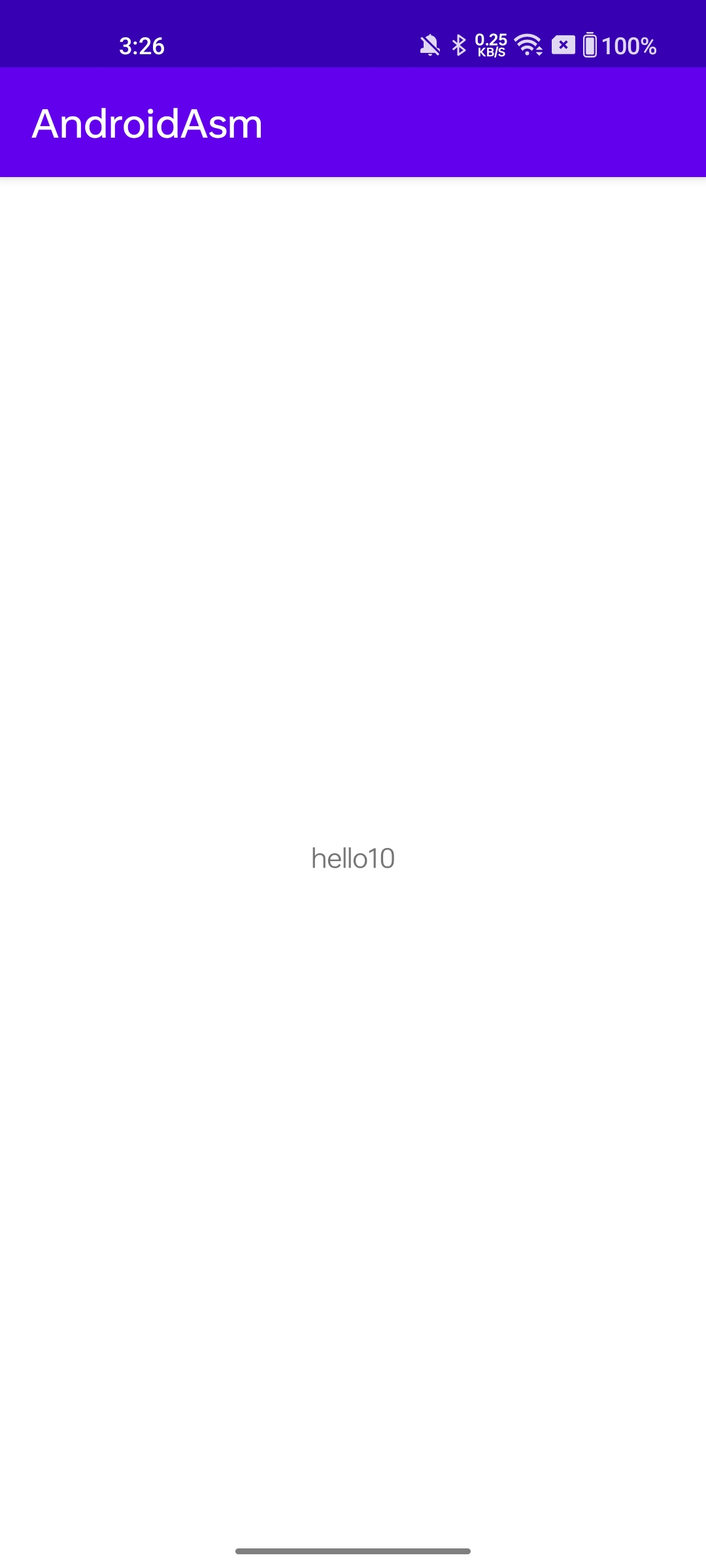
Now the project should build, and you should be able to see the following on your phone.